

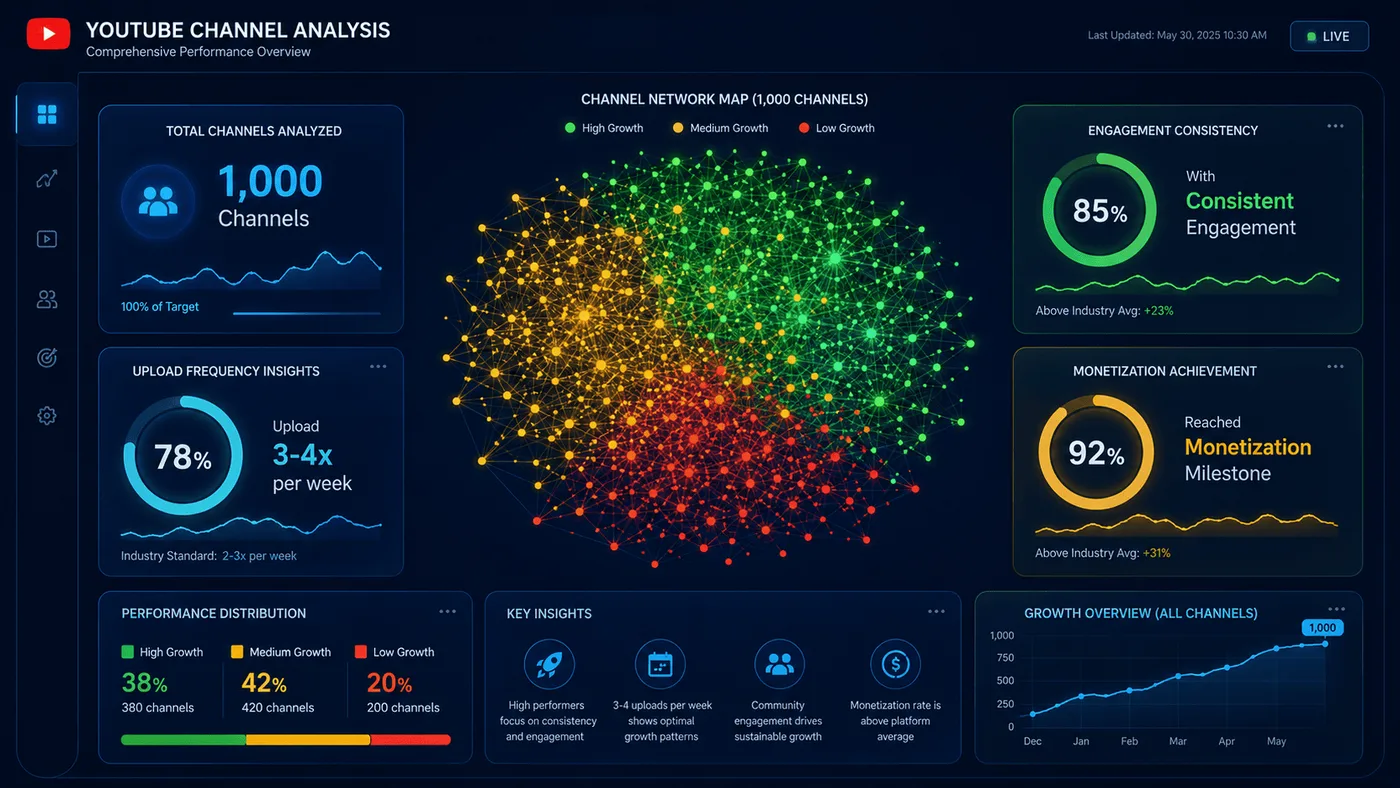
A channel audit can answer a useful question without access to private analytics: what should I inspect next? Public views, titles, tags, upload dates and categories can help you build a short list of videos worth studying. They cannot tell you why a video succeeded, what the creator earned, or whether the recommendation system favored it.
This is the audit I would run when I have about 30 minutes and a channel I want to understand. I keep the output to a one-page memo with a clear next step.
Start with one decision
A broad goal such as "audit this channel" produces a broad spreadsheet. I start with a specific decision:
- Which topic should this creator cover next?
- Which recent upload underperformed and needs a closer look?
- Does this channel's recent output match its stated niche?
- Is this channel a useful comparison for my own videos?
The decision determines the sample. If I am studying topic choice, I look at recent uploads with similar formats. If I am studying packaging, I compare videos published around the same time. Mixing tutorials, livestream replays and Shorts usually produces a misleading average.
Build a small sample
I usually start with 10 to 20 recent public uploads. That is enough to see repeated patterns without turning the audit into a data-entry project. For each video, I record:
| Field | Why it matters |
|---|---|
| Title | Shows the promise and the wording |
| Publication date | Controls for age and season |
| Format | Separates Shorts, tutorials, reviews and livestreams |
| Public views | A starting point, not a performance score |
| Likes and comments | Useful only as a ratio against views |
| Duration | Helps distinguish formats |
| Category | Shows how YouTube classified the video |
| Tags or visible topics | Shows repeated language in the sample |
I use the Video Data Inspector to capture the metadata and the Keywords Extractor when I need a topic overview. I record the date of the audit because public counts change.
If I pull the data directly from the YouTube Data API, I keep two costs in mind. A videos.list call usually costs one quota unit, while a search.list call costs 100 units against the default 10,000-unit daily quota. That difference decides whether I start with a known channel ID or with a broad search. The API quota guide lists the current costs.
I also record which fields the API actually returned. Subscriber counts can be hidden, tags can be empty, and some metrics are rounded. A blank field is an observation too, and it belongs in the memo.
Normalize before comparing
Total views favor older videos. A 100,000-view video published a year ago is not automatically stronger than a 20,000-view video published three weeks ago. I calculate lifetime views per day:
public views / days since publication
This is still a crude number. A video can receive most of its views in the first week, and a video can be promoted later by search or recommendations. The ratio helps me sort videos into rough groups, not rank them as winners.
I also treat engagement as a ratio:
(likes + comments) / views x 100
A high ratio can mean the audience responded. It can also reflect a small sample, a niche community, or a video that provoked disagreement. I do not use it as a measure of retention or satisfaction.
Separate topics from categories
A video's YouTube category is not the same as its topic. YouTube assigns a category such as Music or Gaming. A topic label can be narrower, such as a specific game update or a beginner tutorial.
I read them separately. The Category Checker shows the public category for a video or a channel's latest upload. It also shows a separate topic estimate built from metadata. A difference between the two is not evidence that YouTube is penalizing the channel.
For topic patterns, I look at the titles and tags in the sample. If six videos mention beginner setup and one mentions an expensive accessory, the beginner topic has more support inside that sample. That does not prove the topic will attract more viewers. It gives me a better question to investigate.
Compare videos with a fair pair
When two videos look comparable, I put them side by side only after checking:
- publication dates
- format and length
- target viewer
- whether one was a livestream, Short or standard upload
- whether one appears to have been promoted elsewhere
The Compare Videos tool puts public metrics beside each other. I use it to organize the comparison, then I read the result with the context above. A single summary score cannot know whether the videos had the same traffic sources or audience.
Run a revenue scenario last
Revenue estimates are useful for planning, but they are not measurements. If the decision involves money, I use the Revenue Estimator to test a low, middle and high RPM assumption. I write down that the output is a scenario based on public views and selected inputs.
I do not present the result as the creator's earnings. Public views may not match the views used in a creator's actual revenue calculation. The guide to YouTube RPM and CPM explains why the two metrics answer different questions.
Write a one-page memo
The audit becomes useful when it ends with a decision. I use this structure:
- Question: What decision is this audit supporting?
- Sample: Which videos were included and excluded?
- Observation: What public values did I actually see?
- Calculation: Which ratios did I calculate, and with what formula?
- Uncertainty: What could explain the pattern besides the obvious answer?
- Next step: What will I inspect, test or publish next?
For example, a memo might say that three recent tutorials cover setup but none addresses a common error on a small screen. The next step is to watch the videos and decide whether that gap is real. The memo does not claim that a video on the error will get views.
What I do not conclude
A public audit cannot establish:
- private watch time, retention or impressions
- click-through rate
- audience geography
- traffic sources
- monetization status or actual earnings
- whether YouTube recommended one video more than another
Those values live in YouTube Studio for the channel owner. I treat them as unknown unless the owner shares them.
If you want a repeatable audit, keep the template small and the claims modest. The memo should leave you with a specific question you can investigate.
Sources and further reading
- YouTube Data API: videos.list: public fields available for a video
- YouTube Data API: channels.list: public channel fields and hidden subscriber counts
- YouTube Data API quota costs: why
search.listcosts more thanvideos.list - Get started with YouTube Analytics: the private metrics a public audit cannot see
- Understand ad revenue analytics: RPM, CPM and why public views do not equal revenue